History and insights
History search and filters
History filters narrow the completed-conversation record by responder, member scope, site, visitor contact, label, date, and transcript text.
- Availability
- All plans
- Configured in
- Dashboard → History → filter bar above the conversation list
- Category
- History and insights
- Reference status
- Current
Before you begin
Plan availability: All plans.
Prerequisite: At least one retained completed conversation; team-wide scope requires owner access.
Key boundary: Filters operate on the accessible closed-conversation record. Structural records may remain after content expires, but search cannot recover cleared messages or contact fields.
How filtering works
Each control contributes to one active result set. Stand combines the selected criteria, refreshes the list, and uses the same result definition when preparing a bulk JSON export.
Clear filters returns to all responder types, the member’s default scope, all sites, all visitors, all labels, no date boundaries, and no text query.
Available filters
| Control | Values or behavior |
|---|---|
| Handled by | All, Human, or AI, using the stored Stand-in attribution. A conversation involving both AI and human handling is one record, not a separate record for each message author. |
| Scope | Mine or Team; Team is available to owners. |
| Site | All sites or one site represented in the accessible results. |
| Visitor | All visitors, Has email, Has phone, or Any contact. Any contact includes a captured name even when there is no email or phone. A page-supplied identity name alone does not qualify. |
| Label | All labels or one available conversation label. |
| From / To | Filters by when the conversation closed. Dashboard dates use the browser’s local calendar: From includes midnight at the start; To includes that day through the next midnight. |
| Search | Case-insensitive literal substring search, up to 200 characters after trimming. It covers messages and stored conversation data, page URL, session ID, contact fields, page-supplied name, and label names or summaries. |
Example: find follow-ups from last week
Set Handled by to AI, Visitor to Has email, and From / To to the desired local dates. These filters combine: a result must satisfy all of them. Add the text “migration” to find matching text anywhere in the searchable record, not necessarily only in a visitor message.
Search is not a query language. Typing migration OR upgrade searches for that literal text; it does not match either word independently. Remove the query or Clear filters if a narrower result set hides the conversation you expect.
Result behavior
- The result count updates with the active filters.
- Results are paginated and can be sorted through the History grid controls.
- Selecting a result opens the conversation detail while keeping the current filter context.
- Text input is normalized and debounced before the request so every keystroke does not start a new search.
Relationship to export
The download action exports all conversations matching the current filters, not merely the rows visible on the current page. Stand preserves the filter state while the browser starts the download so the user can return to the same result set.
Scope and interpretation
- Mine and Team describe member access scope, not whether a human or AI handled the conversation.
- Contact filters reflect captured name, email, or phone data as described above; page-known visitor identity is separate.
- Dashboard History dates use local calendar days, while usage charts use UTC and digests use rolling periods. The same named day can therefore produce different populations across these surfaces.
- A label filter matches applied conversation labels; it does not rerun the signal definition against old conversations.
Example
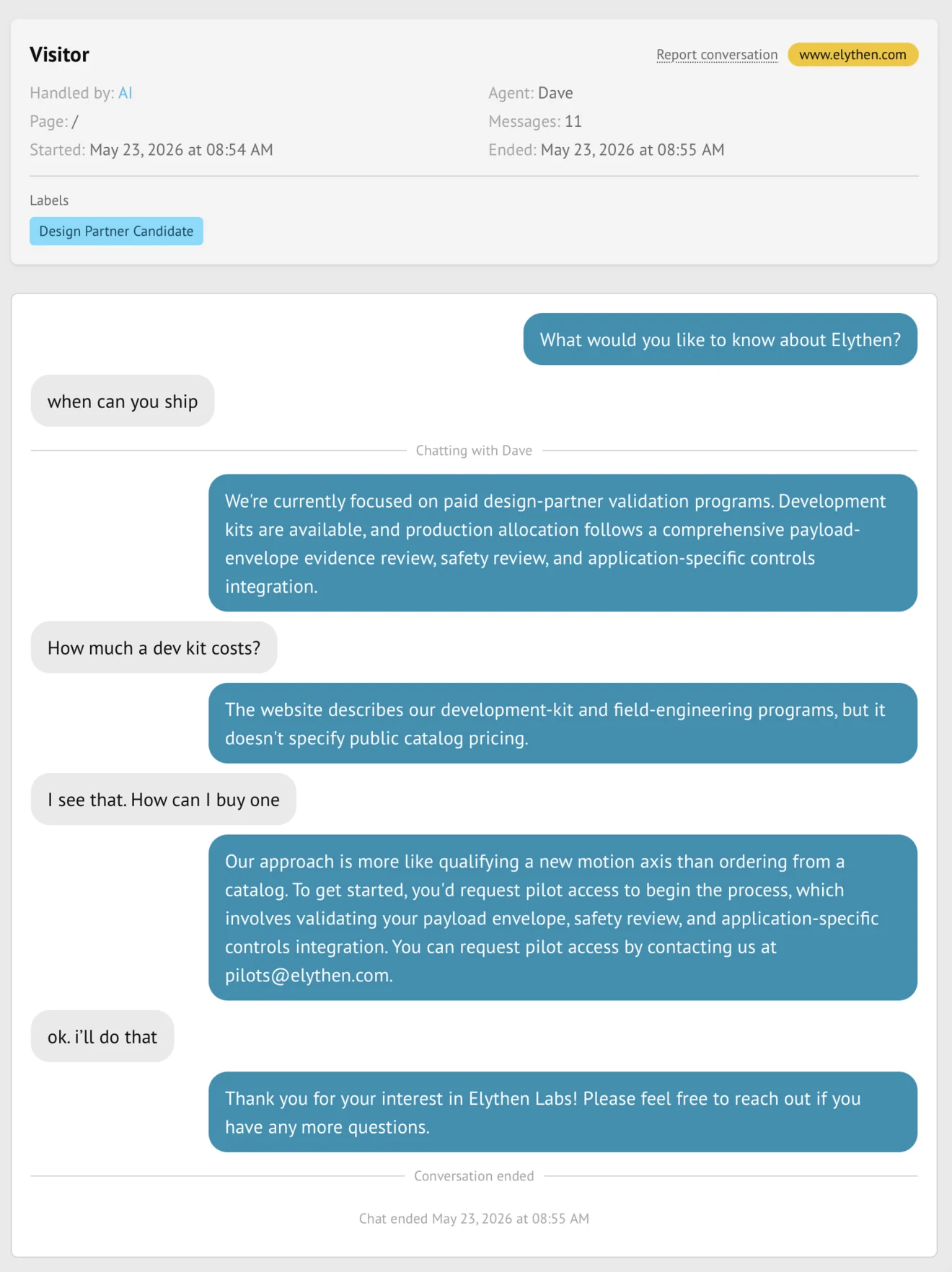
The screen below shows the feature in its normal Stand context. Labels and surrounding controls may vary with account state and plan.