Blog
Answer the questions your FAQ page doesn't
Under the questions on our pricing page there is a box for the questions that are not there. It answers them, and it shows me what the list is missing.
October 6, 2026
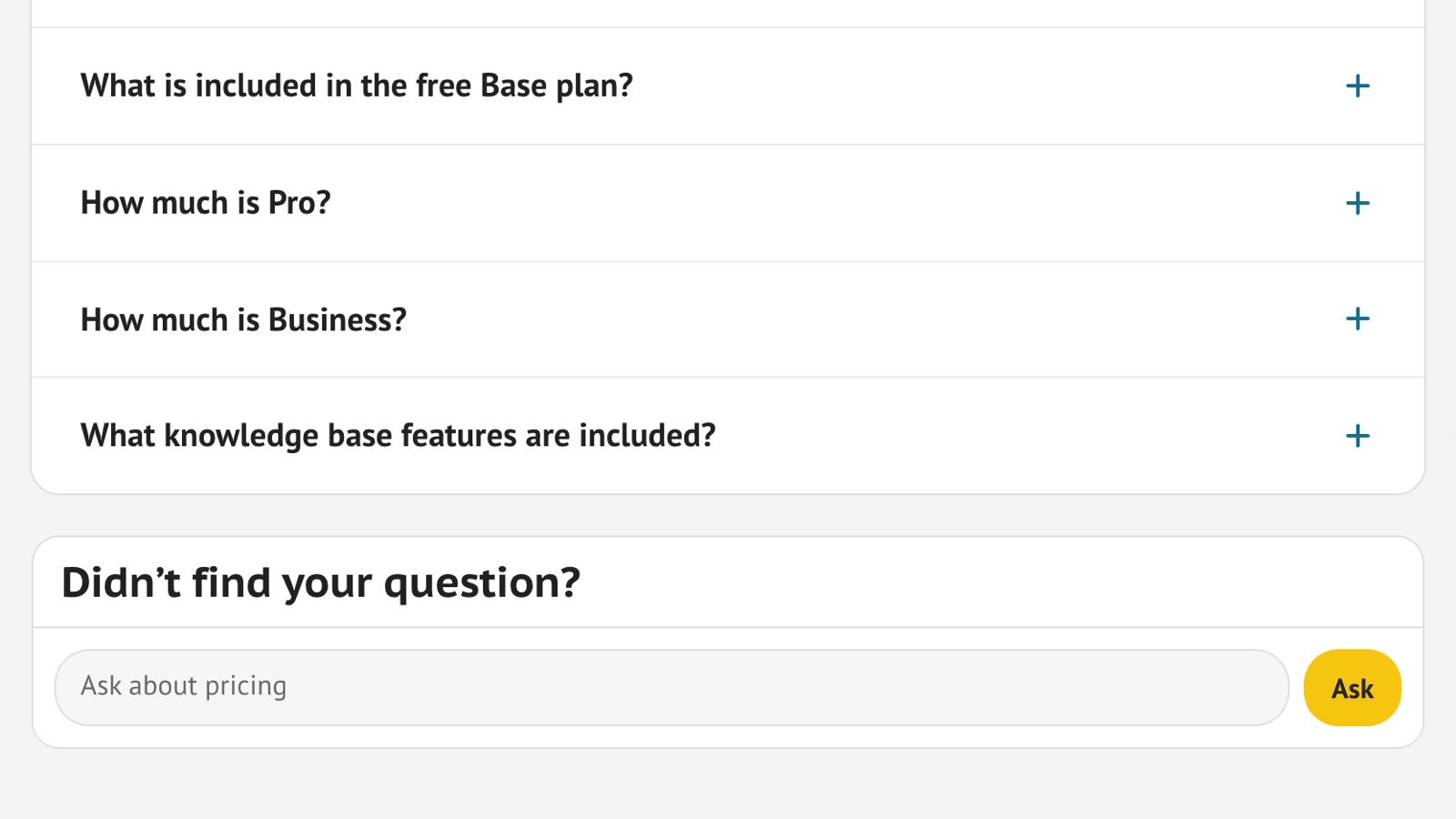
Under the questions on our pricing page there is a box for the questions that are not there. It answers them, and it shows me what the list is missing.
October 6, 2026
The questions at the end of our pricing page are the ones I could think of. I also know the answers to all of them, which makes me the wrong person to judge the list. I wanted a way to find out what a visitor asks after reading the list to the end and not finding their own question.
Since the start of October there has been a box under the list. It is one HTML tag, stand-chatbox, and it comes with Stand, the website chat I built. It sits in the page like a form field. It does not pop up, and no chat starts until someone sends a question.
Here is a question that is not on our list, typed into the box: "Can I use Stand on more than one website?"
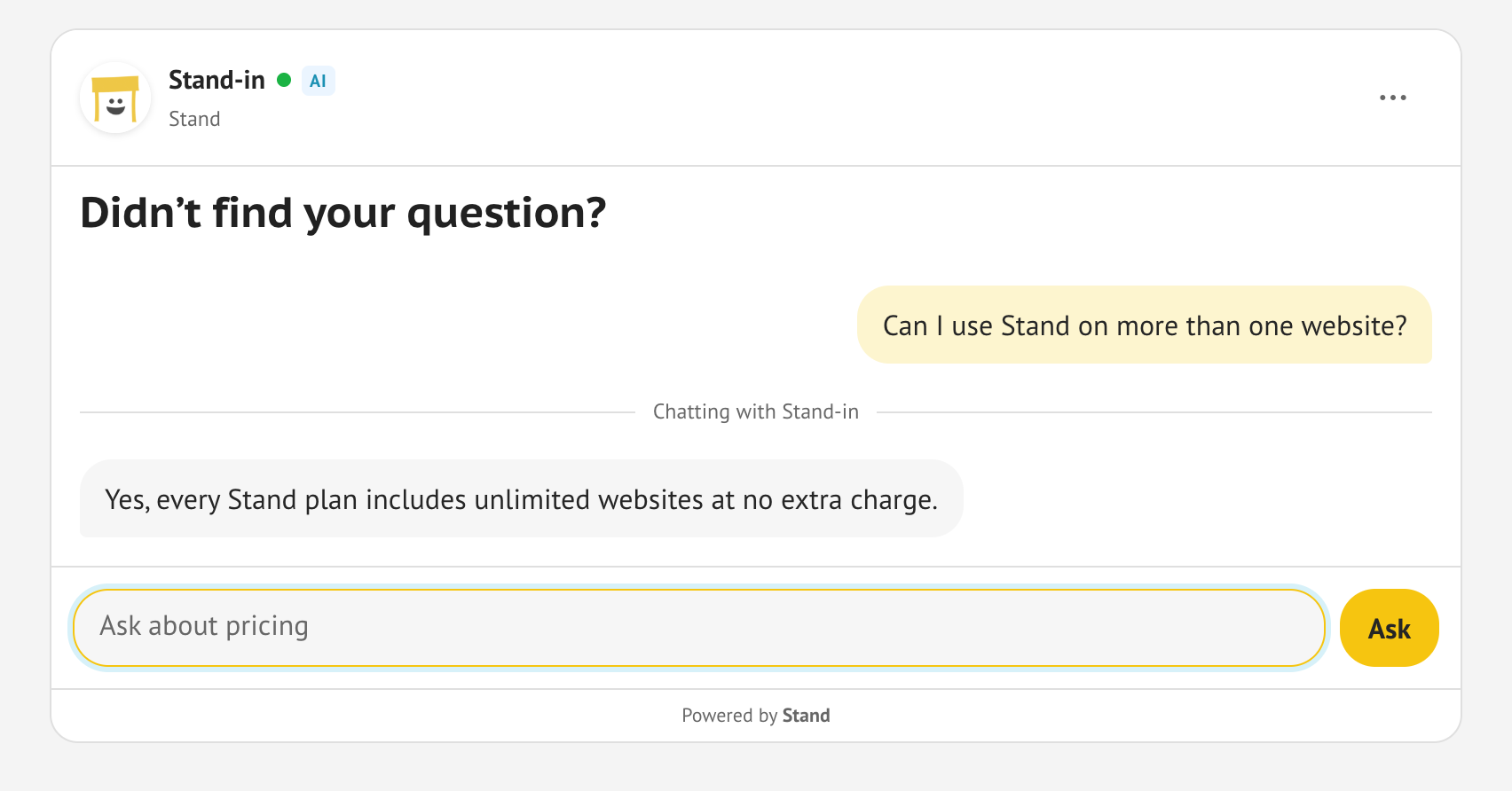
The Stand-in is the AI that covers for me. When I am Available, the question comes to me first, and the Stand-in takes it if I do not answer within 60 seconds. When I am away, it answers from the pages and instructions I have given it.
While the chat is going, it is under Chats in the Stand app, where I can read along and take over. Once it has ended it is in History, with the page it was asked on. A question that comes in repeatedly belongs on the list.
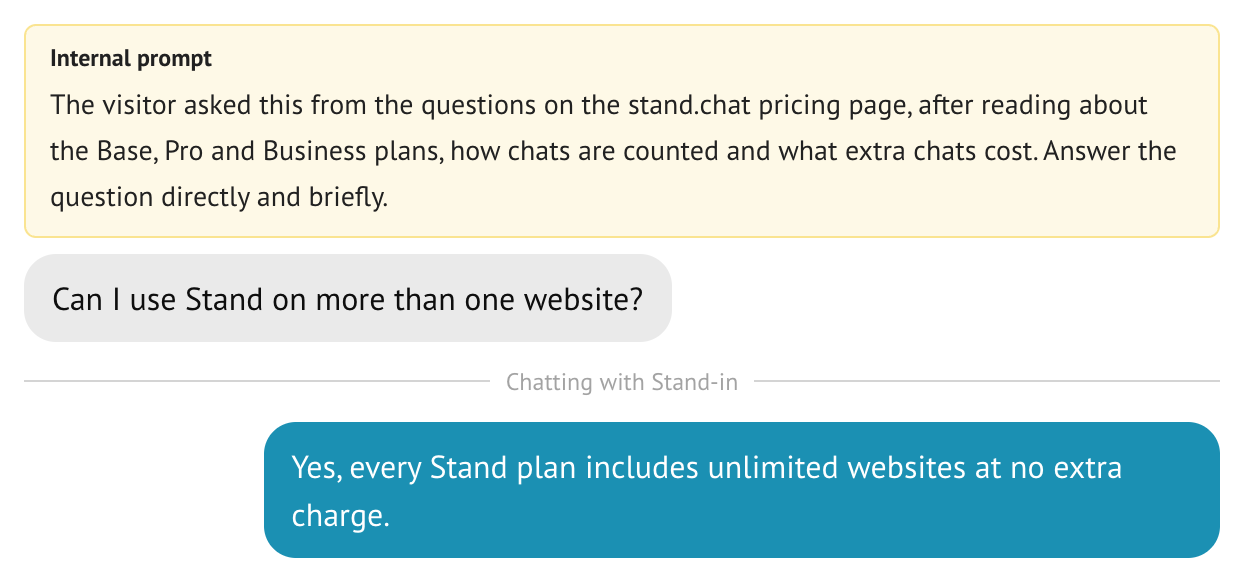
The yellow box is the tag's prompt. The visitor never sees it. It tells the Stand-in where the question came from.
Feature is included in all plans with no additional cost.
Stand's Base plan is $0 and includes 15 chats a week, about 65 a month. Depending on how many questions you get, this might cover it for free on your site.
On Base the Stand-in reads up to 10 pages of your site, so give it the pages a reader of your FAQ would ask about.
You need Stand on the page. If the chat button shows in the corner of your FAQ page, you have it. If not, ask your AI to "add stand.chat" on your website, or sign up at stand.chat and follow the quickstart.
hidden in the tag: Stand shows the box only when someone can answer.<stand-chatbox
hidden
id="faq-help"
placeholder="Ask it here"
send-label="Ask"
prompt="The visitor is reading the FAQ. Answer their question directly."
>
<h3 slot="intro" class="faq-help-title">Didn’t find your question?</h3>
</stand-chatbox>
<style>
.faq-help-title { margin: 0; padding: 10px 16px; font-size: 20px; }
</style>prompt to say what the visitor has just read. They never see it.See Tune chat behavior for styling, and for a version that opens a floating chat after the first question.